

How VEKZT works
One workflow in one workspace. The loop runs crawl → insights → brief → generate → render → edit, and every stage feeds the next.
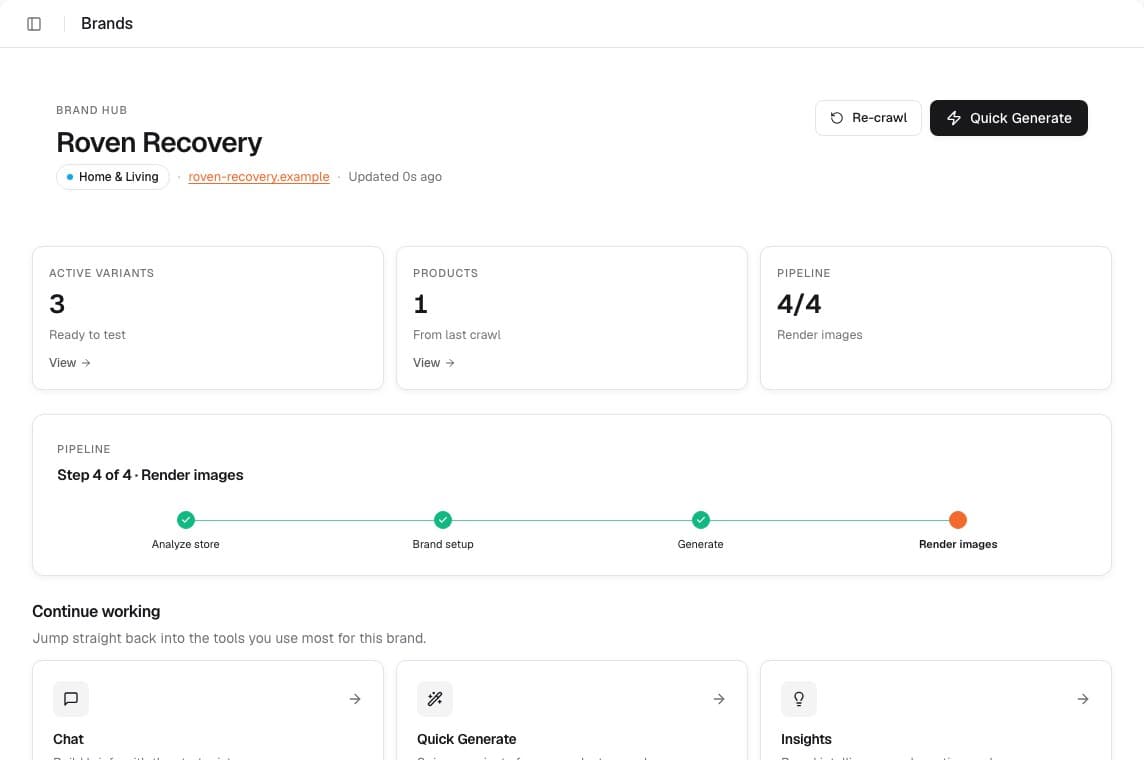
Crawl & extract
You paste a store URL. VEKZT discovers product pages and extracts titles, prices, descriptions, and images. Shopify is handled natively, and other platforms are read from the structured data on their product pages. The result is a clean product catalog you can browse and generate from.
Collections and category pages are followed with pagination, and every product shows an extraction status. Ready means full data, and partial usually points at a missing image or description. Crawling and extraction never cost credits, so you can re-crawl whenever your catalog changes. See Connect a store for the full flow.
Brand Insights
From your catalog and site copy, VEKZT builds Brand Insights: your summary, audience, voice, visual rules, value propositions, objections, proof points, and the creative angles worth testing first. Everything you generate later is conditioned on it, and you can edit any of it.
Insights also set awareness levels, from unaware through problem aware, solution aware, and product aware, which point you at the concept to reach for. Editing insights before you generate is the highest leverage step, because every later brief inherits the correction. When you re-crawl, insights are flagged stale so you know to refresh them.
The brief (Strategic DNA)
A batch never runs from a hidden prompt. Whether you brief it in Chat or use Quick Generate, VEKZT assembles a structured brief that you can read and steer, covering the angle, the concept, the problem it solves, the value proposition, proof points, and the visual direction.
Generate & render
VEKZT writes the copy, composes the layout, and renders the image together as one ad, across feed 4:5 (1080×1350) and story 9:16 (1080×1920). Variants land in the gallery with a status you can watch.
Each variant reads as generating, ready, or failed. A failed render refunds its credit automatically and can be retried from the card, so a hiccup never costs you. In the gallery you can filter by status, format, or source, open a variant full size, shortlist the winners, and export.
Edit & export
Compose a finished ad in Overlay from a short brief, pick from a few options, then export ad-ready PNGs.