

Overlay
Write a short brief and Overlay composes a few finished ad options for you to choose from. No canvas, no manual layout.
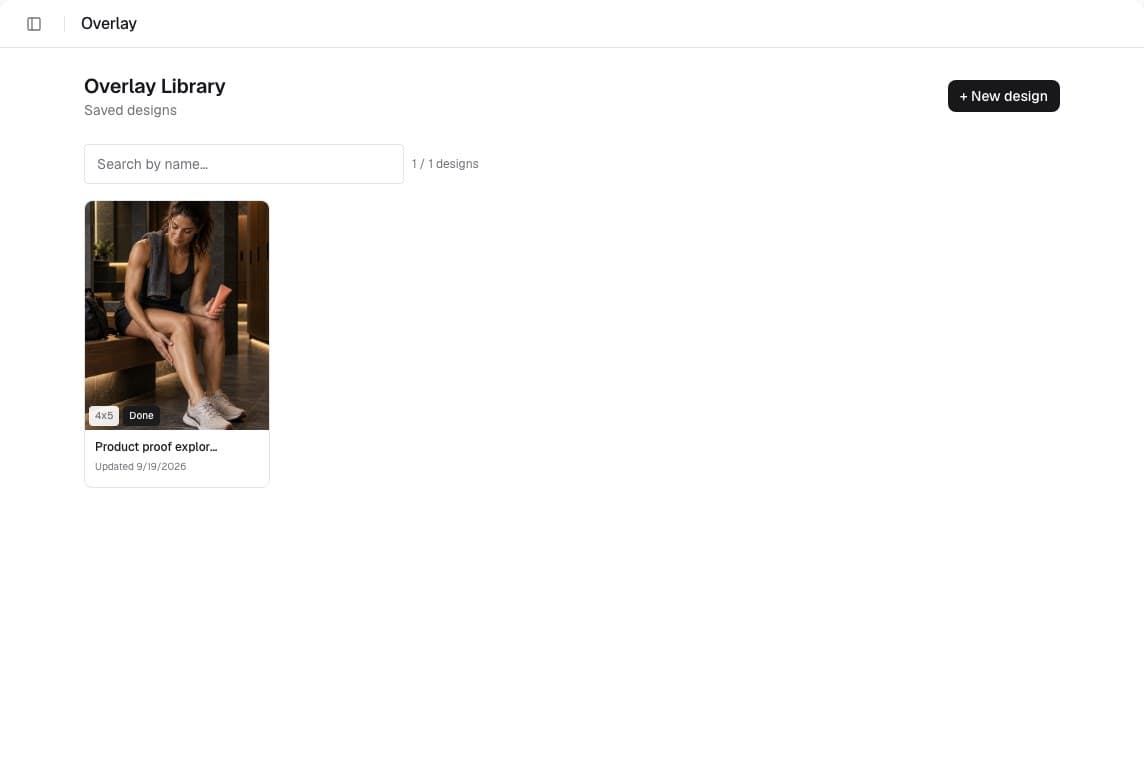
Overlay is the fast way to turn a product into a finished ad. You pick a product or upload your own image, describe what the ad should say, and Overlay generates a small set of complete options grounded in your brand. You keep the one you like and download it.
Start from a product or an image
Open Overlay from the sidebar and create a new design. Choose one of your crawled products or upload an image of your own. That image stays the anchor of every option Overlay generates.
Describe the ad
The brief panel is where you set the direction. You choose a headline angle, the offer, the mood, and the copy angle, and you never lay anything out by hand. Overlay reads the brief together with your brand and composes the ad for you.
Compose and pick
Each run composes a few full variants at once. Review them side by side and keep the one that fits, or discard the batch and adjust the brief. Each compose run reserves one credit for the whole batch (see Credits & usage).
Save and download
Every design saves to the brand's overlay library, so you can reopen it later and generate again. Download renders server-side in exact ad dimensions, so the file matches what you see.